



.com For Social Media and E-Commerce
With domain forwarding, you can link to your online store or social media page from a memorable .com domain name.


-
Benefits of Domain Forwarding
1 Memorable Way To MarketA .com domain name is for more than just a website. With domain forwarding, you can give any online presence a memorable web address.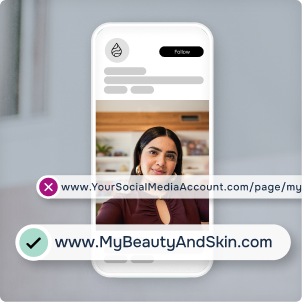
-
2 A Consistent Web AddressGet a custom .com web address that moves with your business, so even if you move your store, your customers will always be able to find you.

-
3 The Flexibility To ChangeYou can update the online destination a .com domain name sends visitors to at any time.

Two Ways To Use Domain Forwarding

How To Forward Your Domain Name

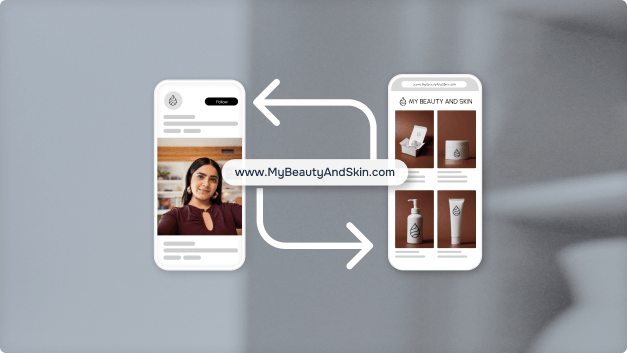
-
1
Register a Domain Name
Start by registering a .com domain name through your preferred registrar.
-
2
Log In to Your Account
Log in and go to Manage Domain Names or click on the Domain Name tab.
-
3
Select the Domain Name
Select the domain name you wish to forward, look for the Domain Forwarding (also known as Redirect) option, and click Add New.
-
4
Paste the Destination URL
Paste your social media or e-commerce page URL into the Forward or Redirect Domain section.
-
5
Update DNS and Save
Make sure you update your DNS settings to support this change, then hit Save, and you're done!
How Do I Use a .com?
-
.com for Email


-
.com for Websites


Looking for more resources?
Browse the Learning Hub to find all our articles, videos, and more on ways to use a .com.